Layers · Masks · Selections
Layer groups, layer masks, vector masks, clipping masks, adjustment layers, smart objects and smart filters. Selections support feathering, expand/contract, quick mask, color range and "select skin tones".
Windows · Offline · Free, no quota
A desktop photo editor built for Chinese users, with a Photoshop-aligned workflow. Layers and masks, 22 tools, RAW / HEIC / JPEG XL / PSD read & write, portrait retouching and batch pipelines — all computed locally on your machine.
Click the side cards or dots to switch; click the centre screenshot to enlarge it.
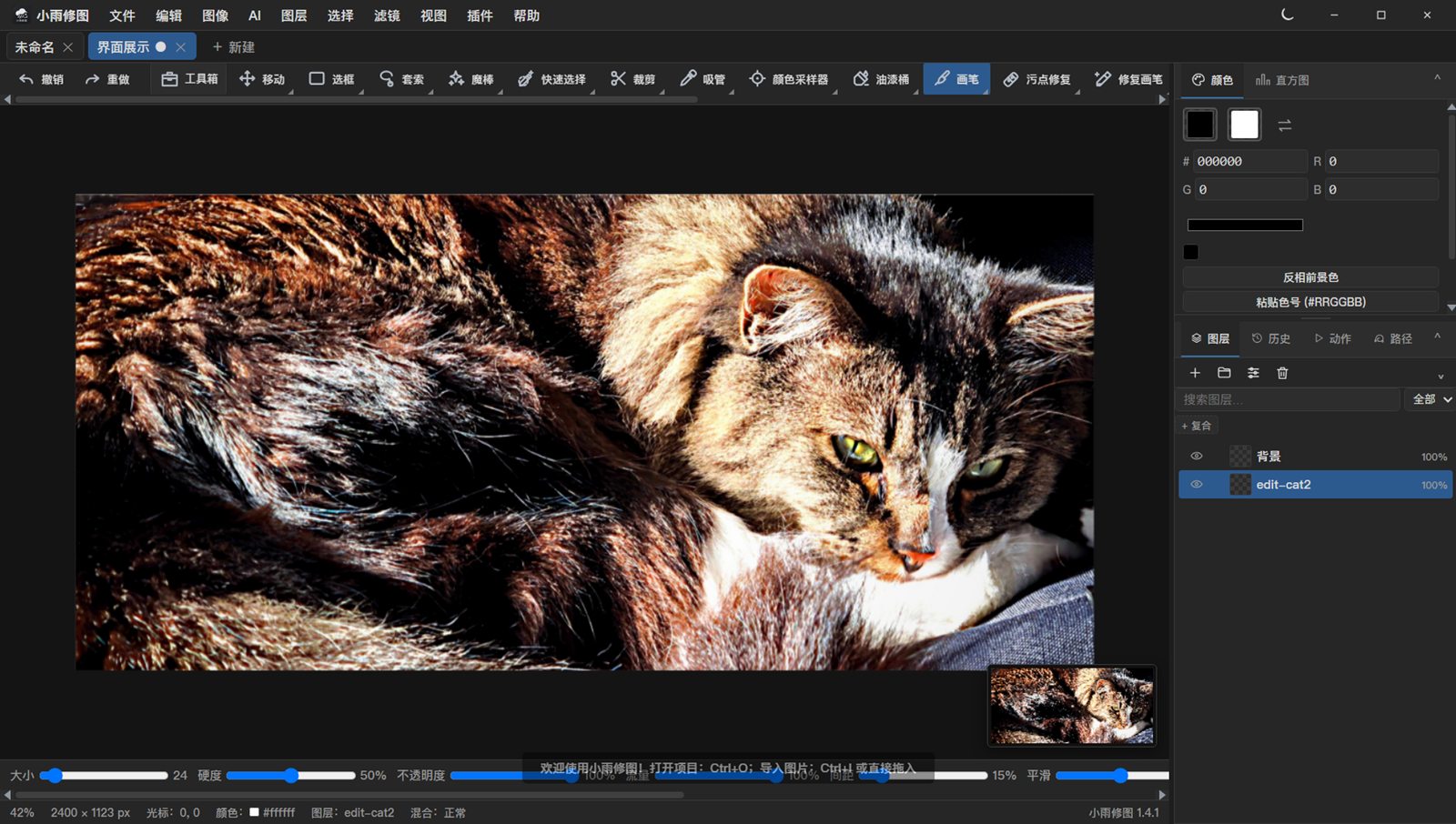
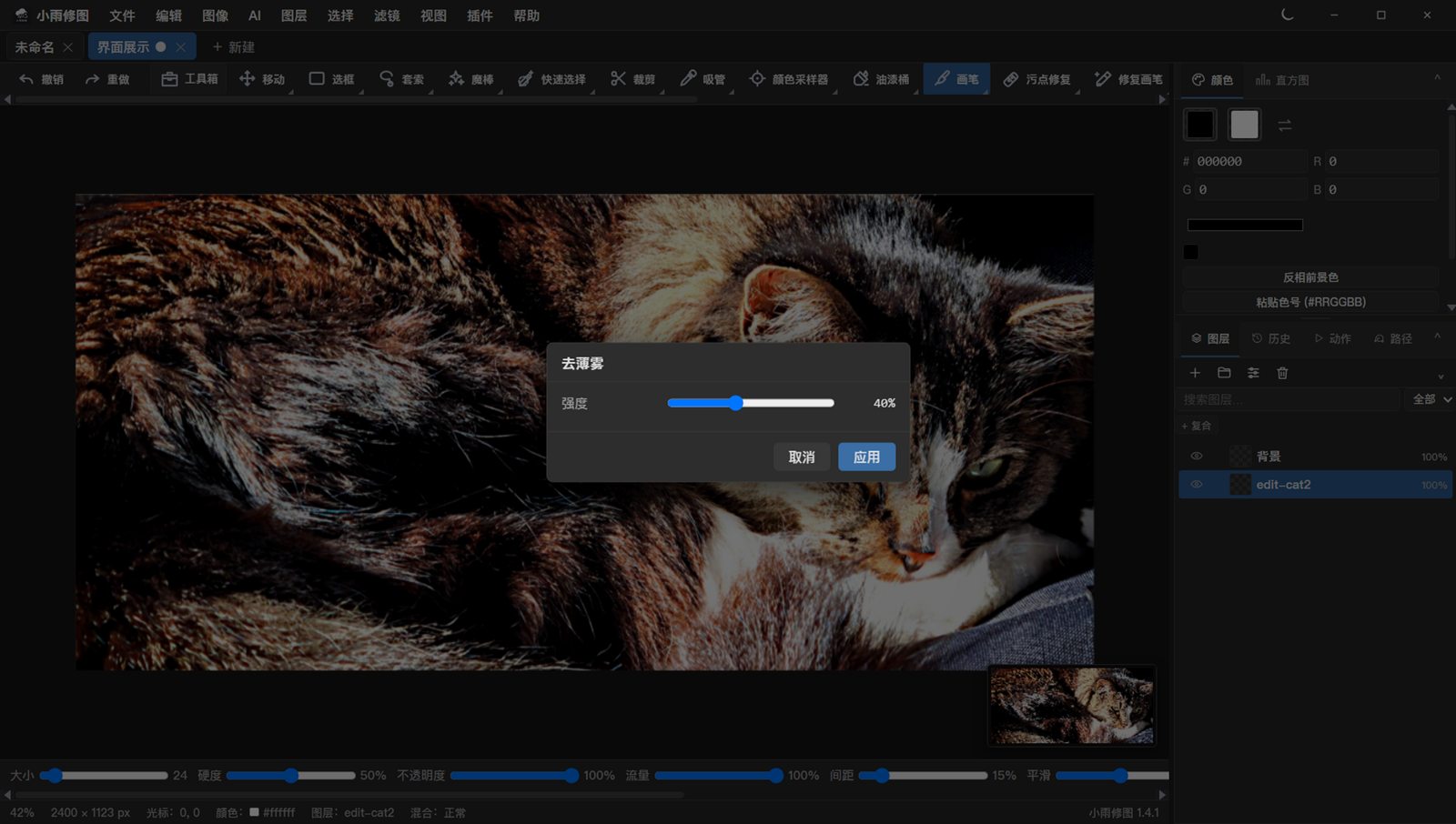
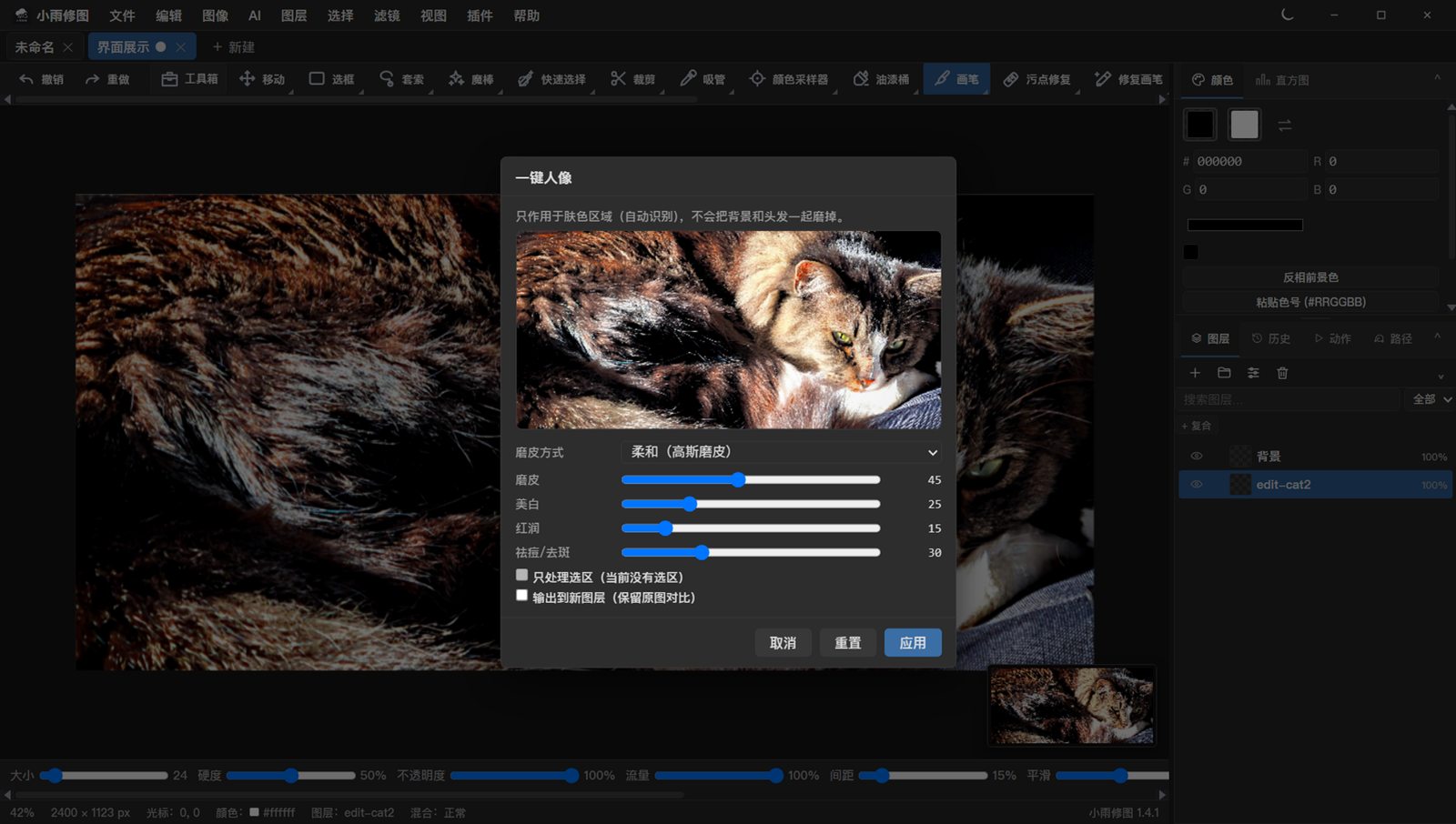
Not the longest feature list — the one that makes editing actually smooth.
Layer groups, layer masks, vector masks, clipping masks, adjustment layers, smart objects and smart filters. Selections support feathering, expand/contract, quick mask, color range and "select skin tones".
Brush/eraser, clone stamp, spot healing, healing brush (frequency-separation style, keeps skin texture), dodge & burn, smudge, blur, liquify (with face/eye/chin presets), pen, type, shapes, gradients, crop and perspective crop.
Import JPEG / PNG / WebP / TIFF / HEIC / RAW (DNG, CR2, NEF, ARW…) / JPEG XL; PSD with RGB, grayscale, indexed and CMYK plus layer masks, clipping masks and baked layer effects. Export PNG / JPEG / WebP / PSD / PDF / HEIC / AVIF.
One-click portrait (skin smoothing / whitening / rosy / blemish), frequency-separation smoothing, skin tone unification, teeth whitening, eye brightening, skin-tone selection and liquify presets — plus a ready-made portrait batch preset.
Curves, levels, HSL, color balance, selective color, channel mixer, LUT (.cube), 17 filters (clarity, dehaze, orton glow, film grain and more), a filter preset library and sky replacement.
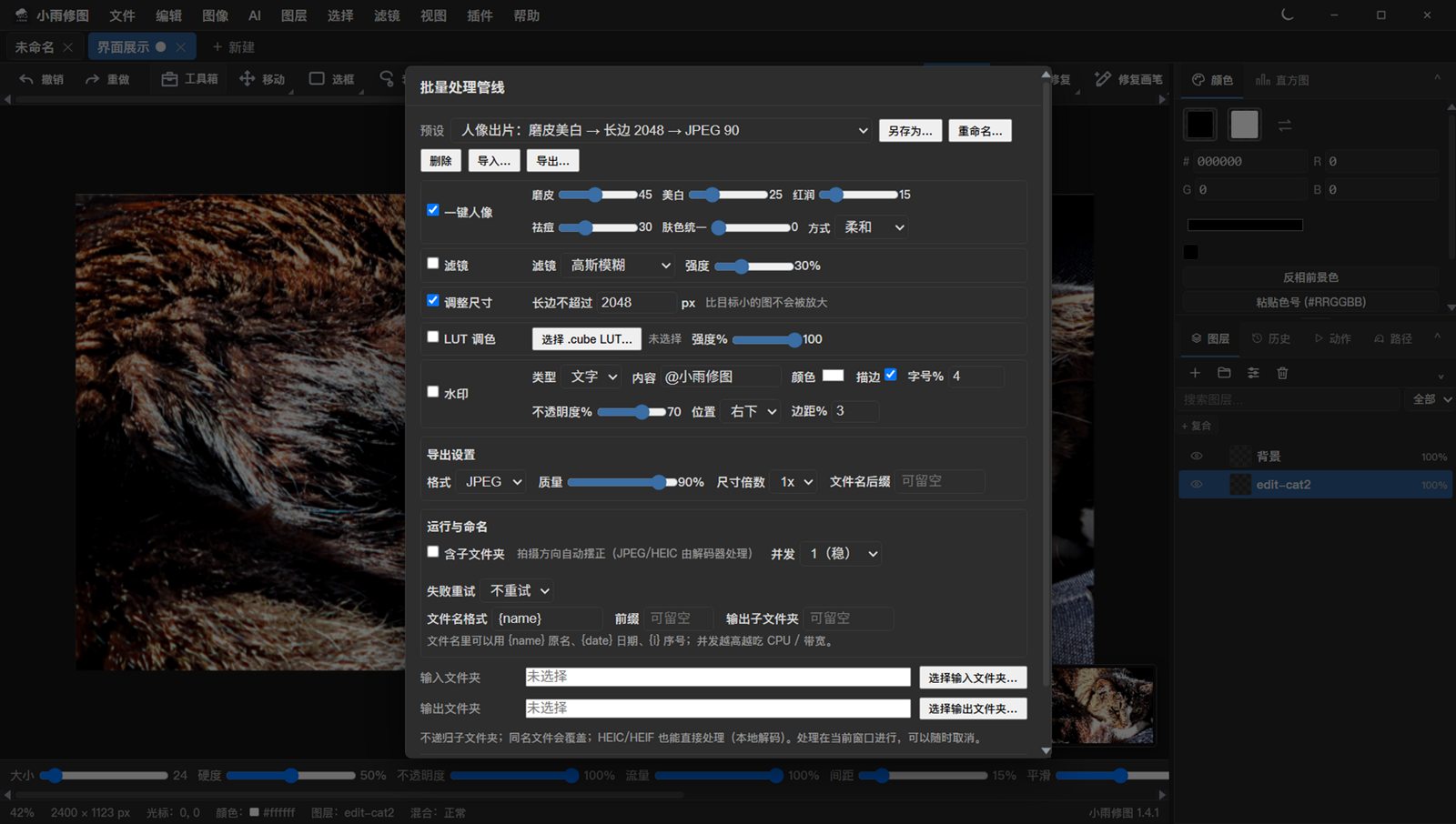
A pipeline that chains import → portrait → filters → resize → watermark → export as a saved preset. Point it at a folder and it runs through everything, with recursion, concurrency, retries and per-file results.
Pick the long edge at export: 2560 / 1920 (WeChat moments) / 1080. Downscale only. EXIF and ICC profiles are written back so colors stay intact.
Dirty-region undo snapshots (24 MP step: 92 MB → 213 KB), dirty-rect compositing, tiled healing — a 24 MP document stays responsive. Nothing is uploaded; .comp projects are cross-platform with autosave and crash recovery.
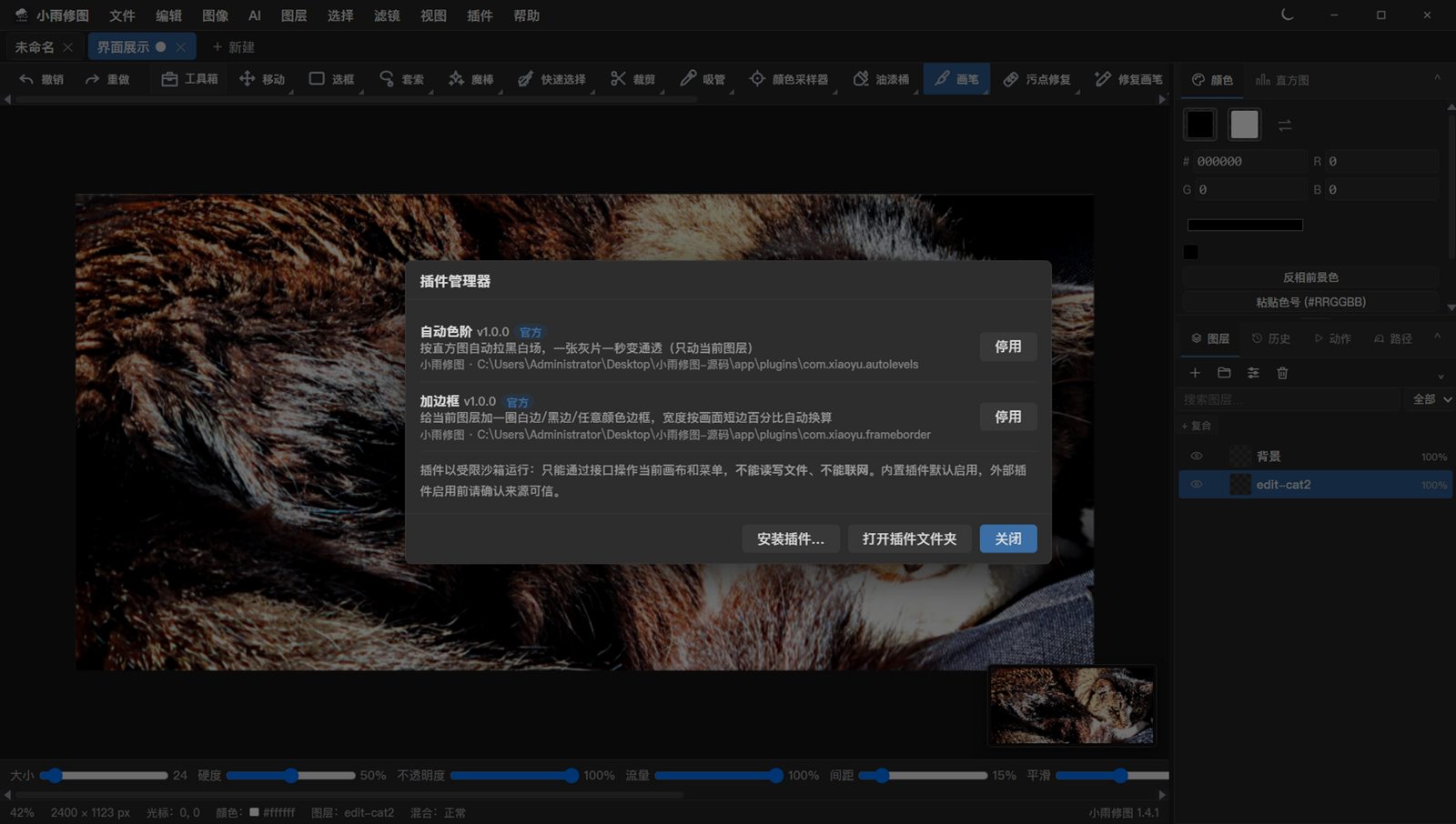
The Plugins menu ships official plugins (auto levels, frame border) and lets you write and install your own: pick any folder with a plugin.json in the plugin manager. Plugins run sandboxed — canvas access only, no file or network access.
The first two are the author's cats (processed and exported at full size). The next eight are free-to-use samples from Pexels (free for commercial use). Click any image to enlarge.
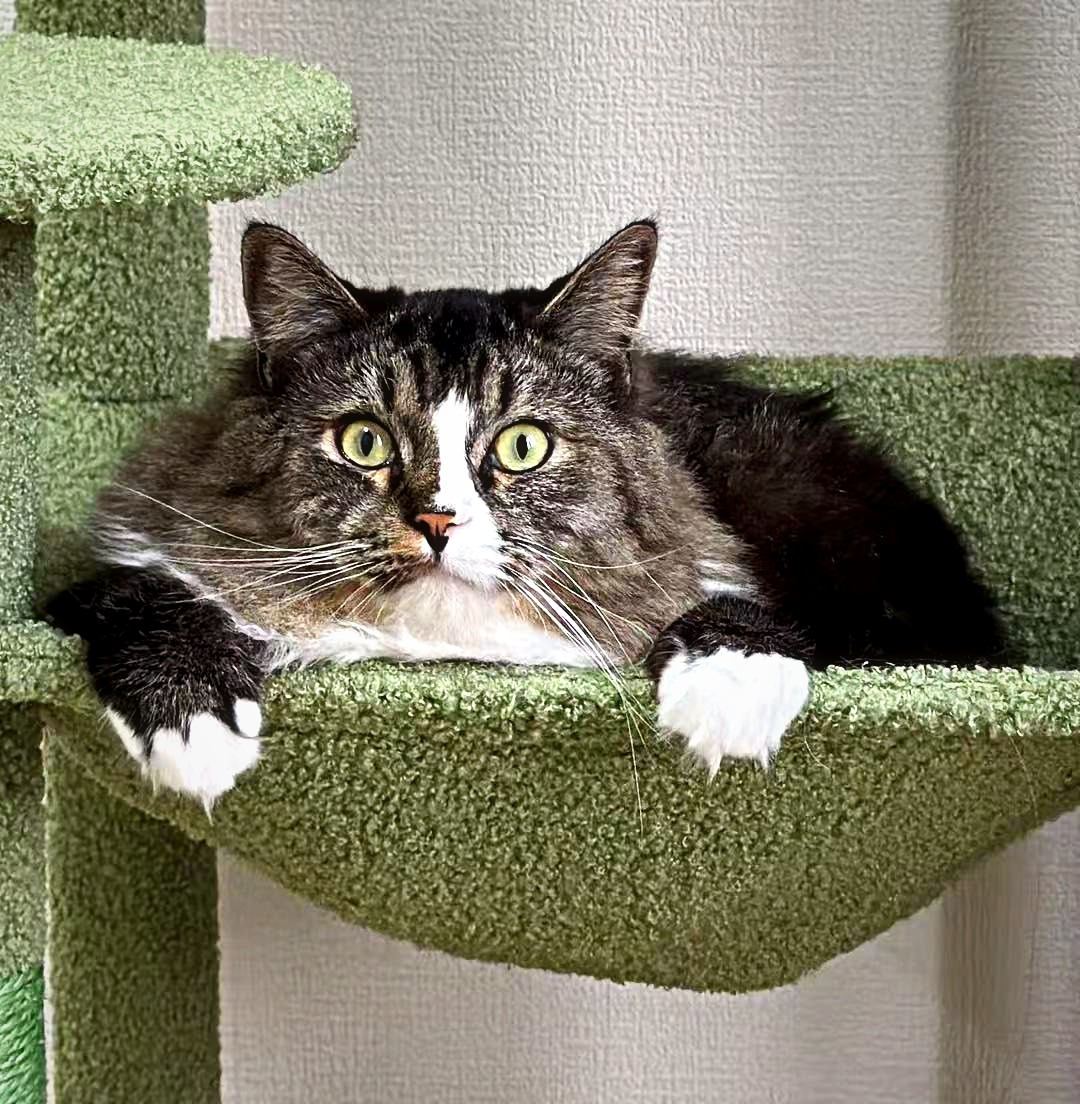
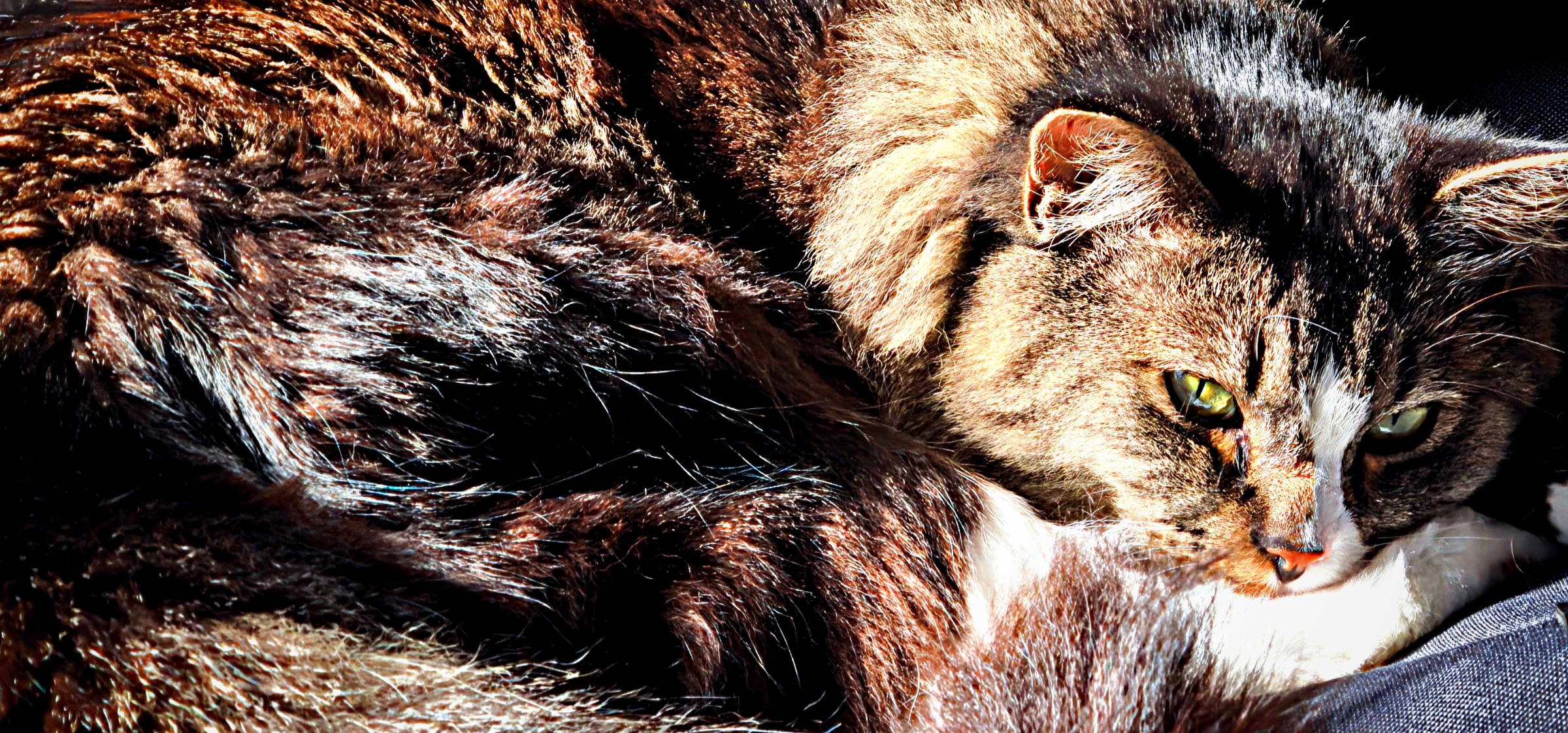
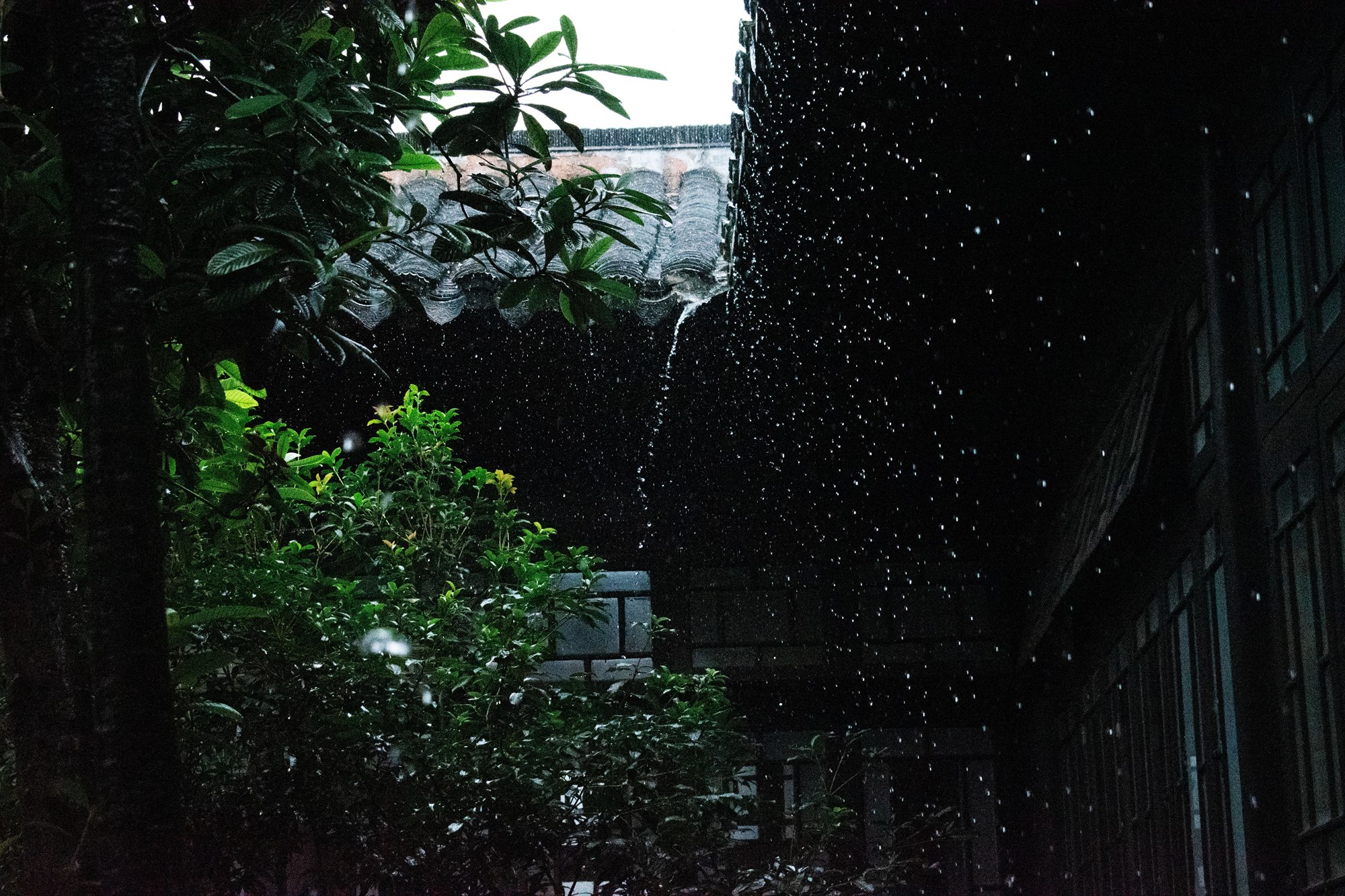
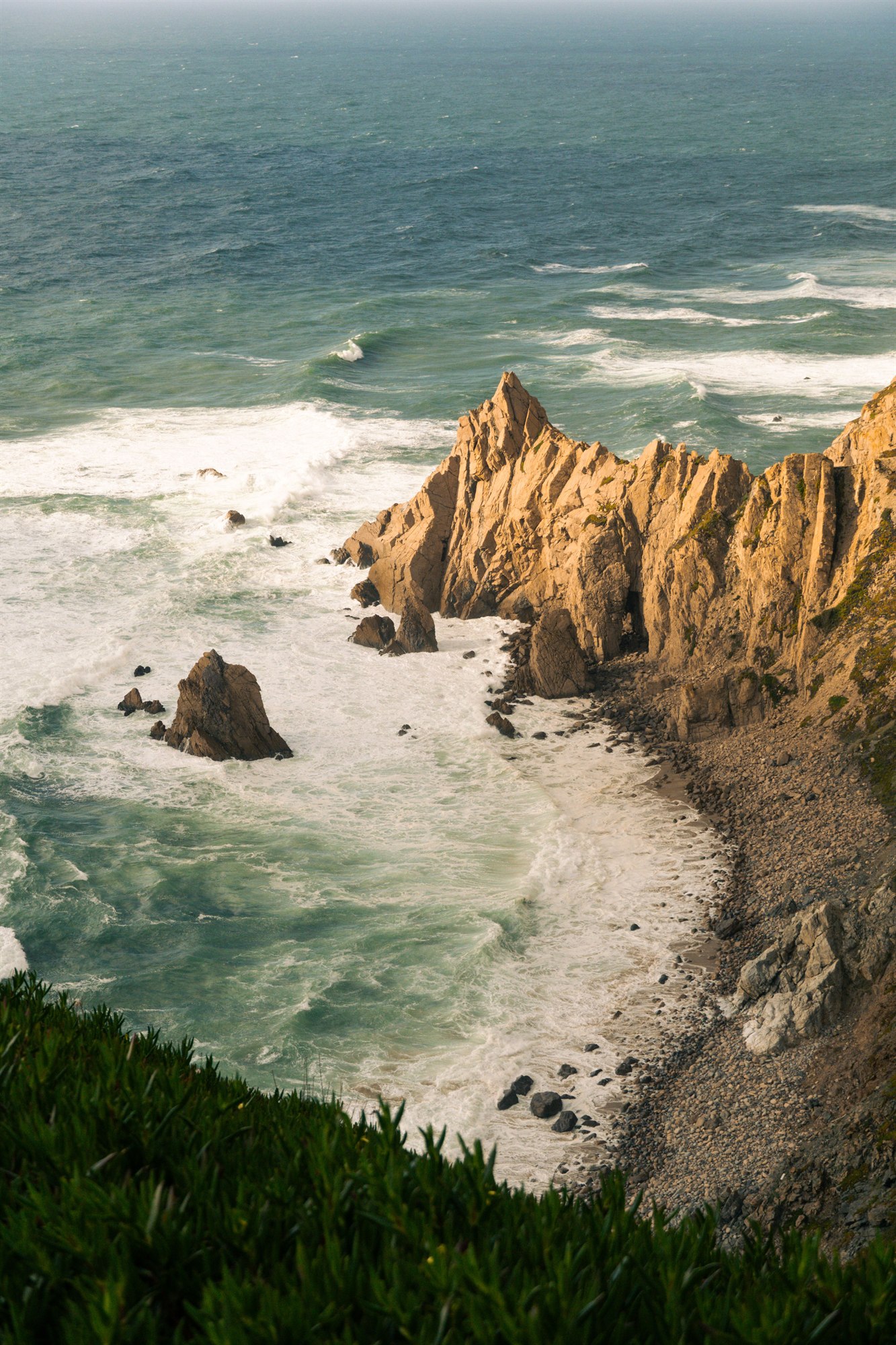
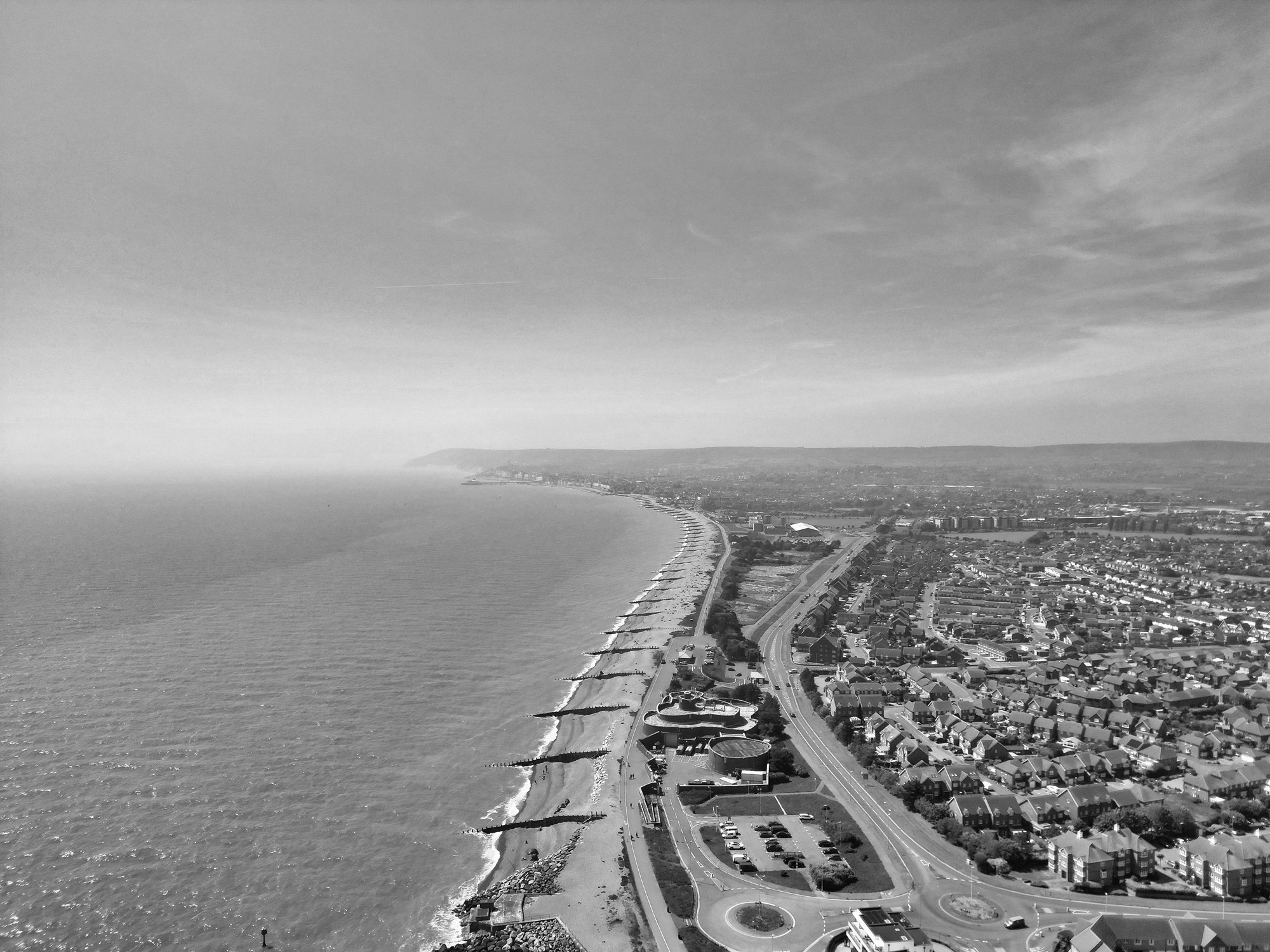
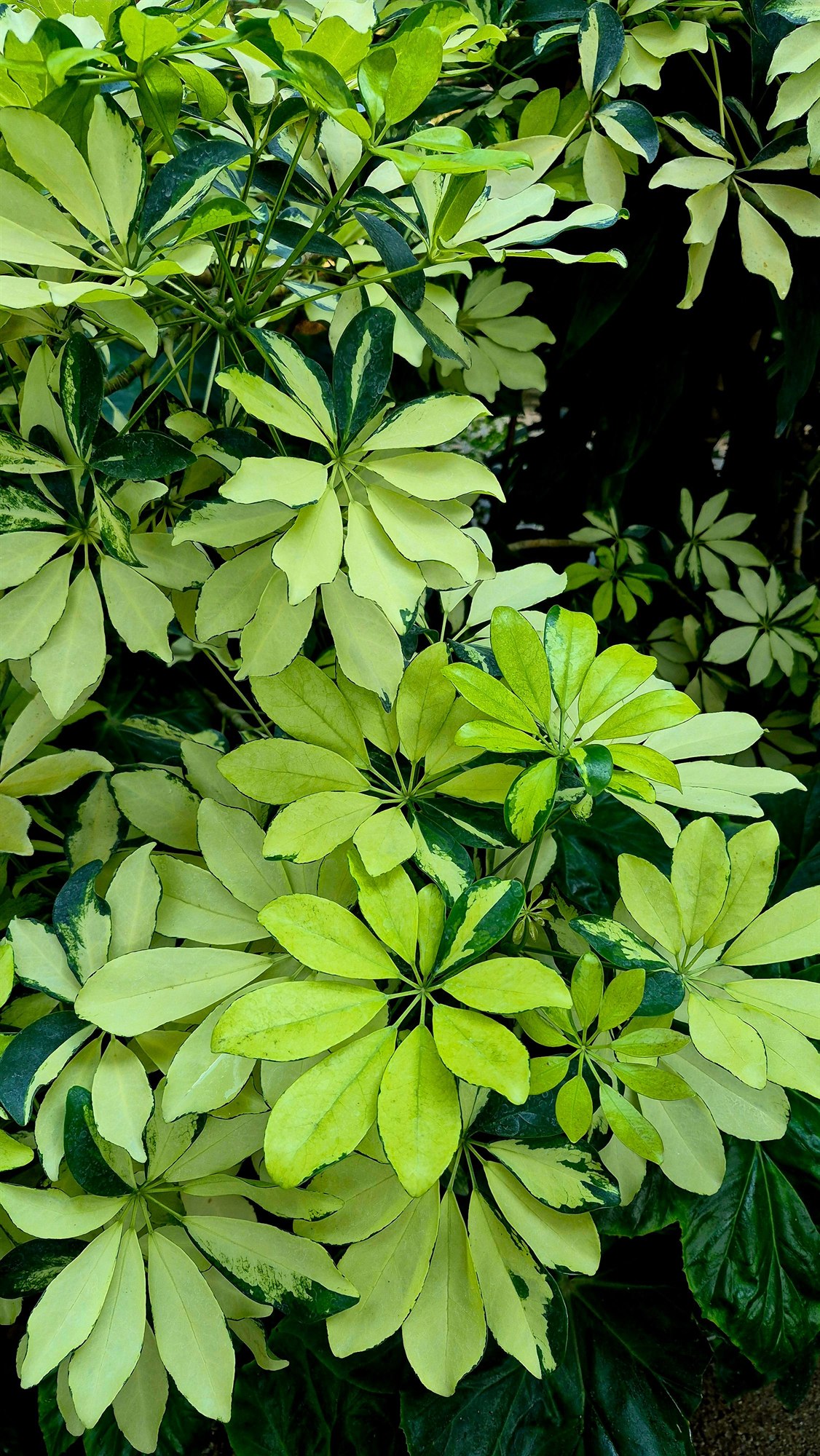
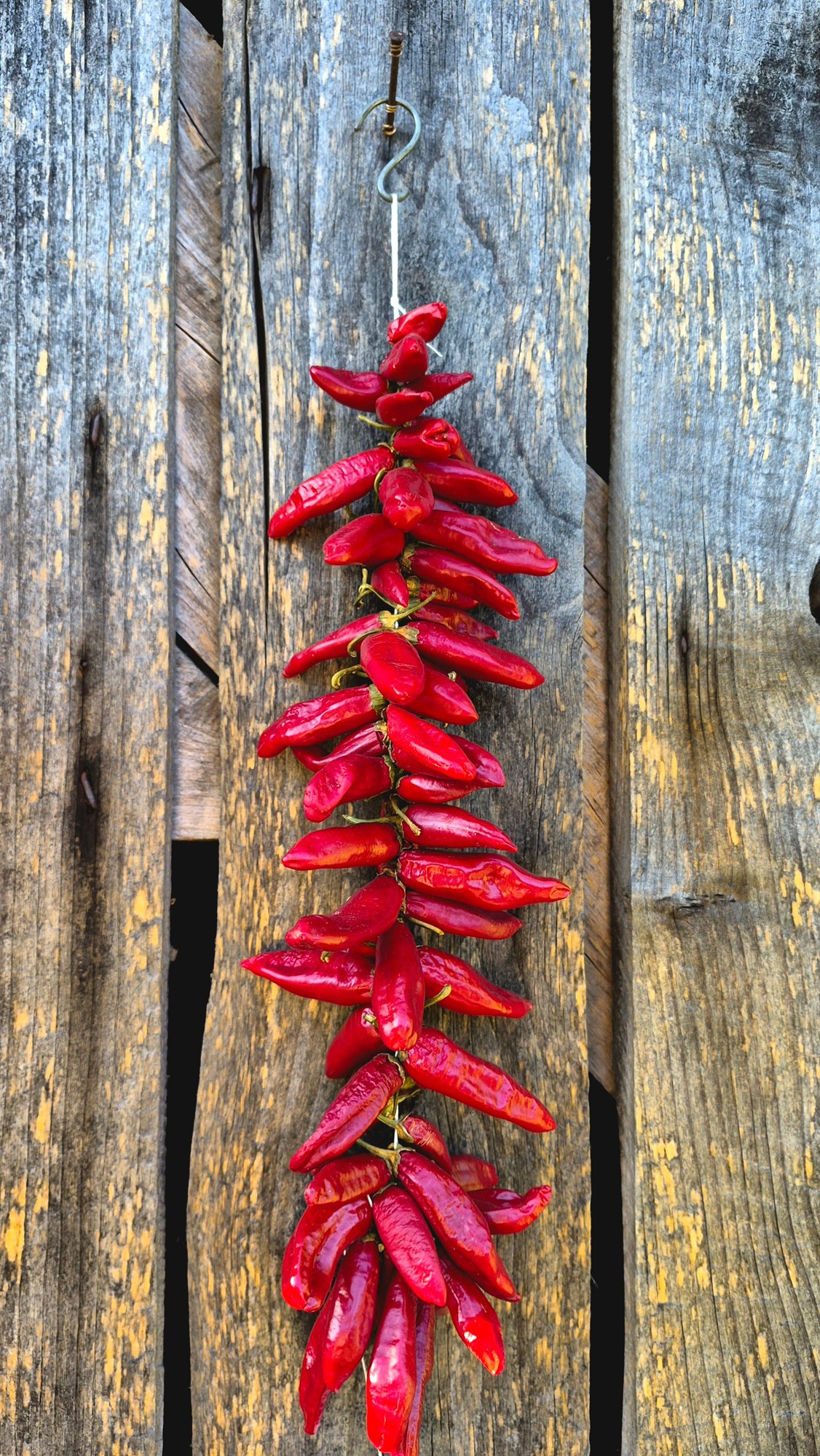
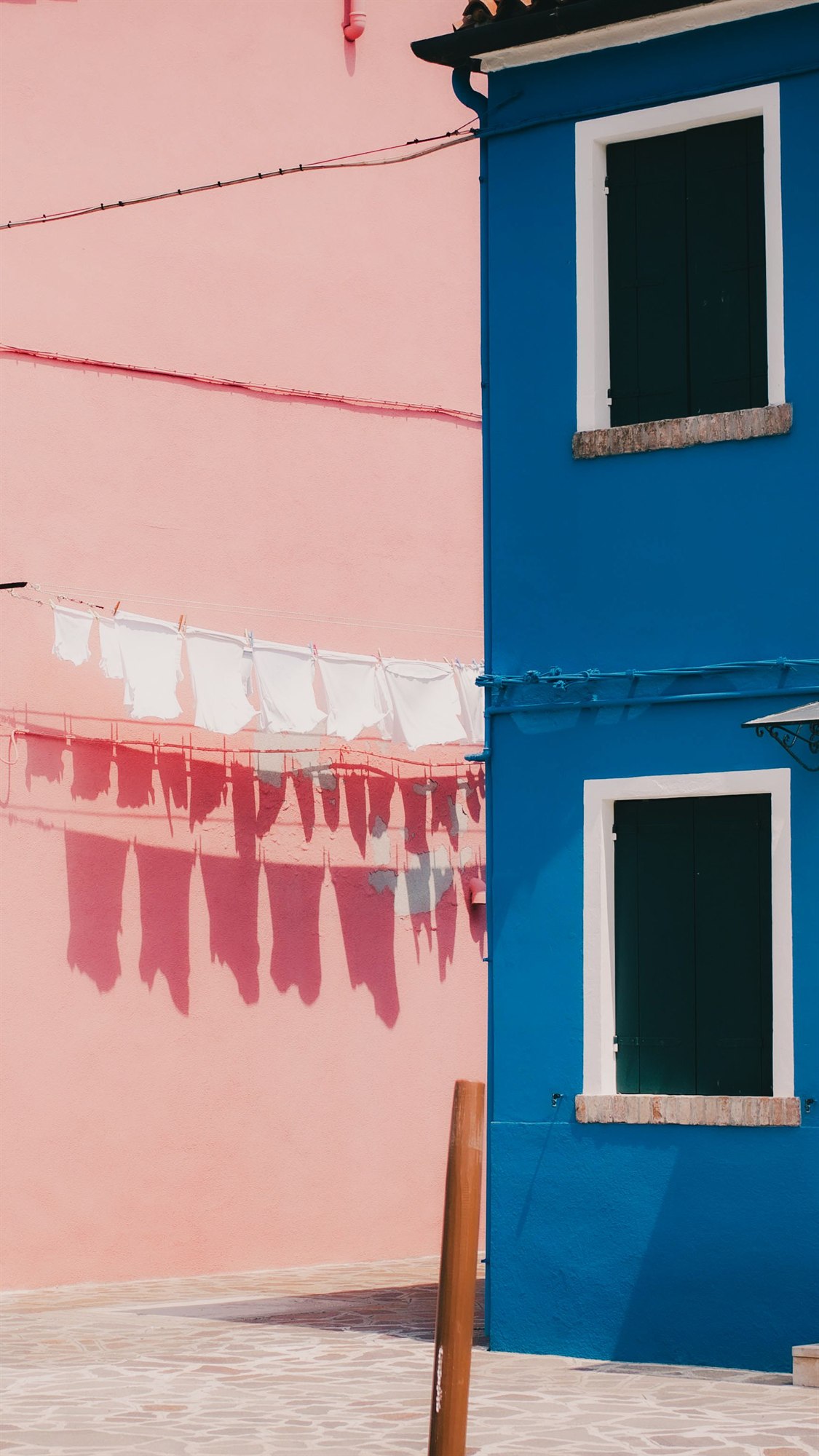
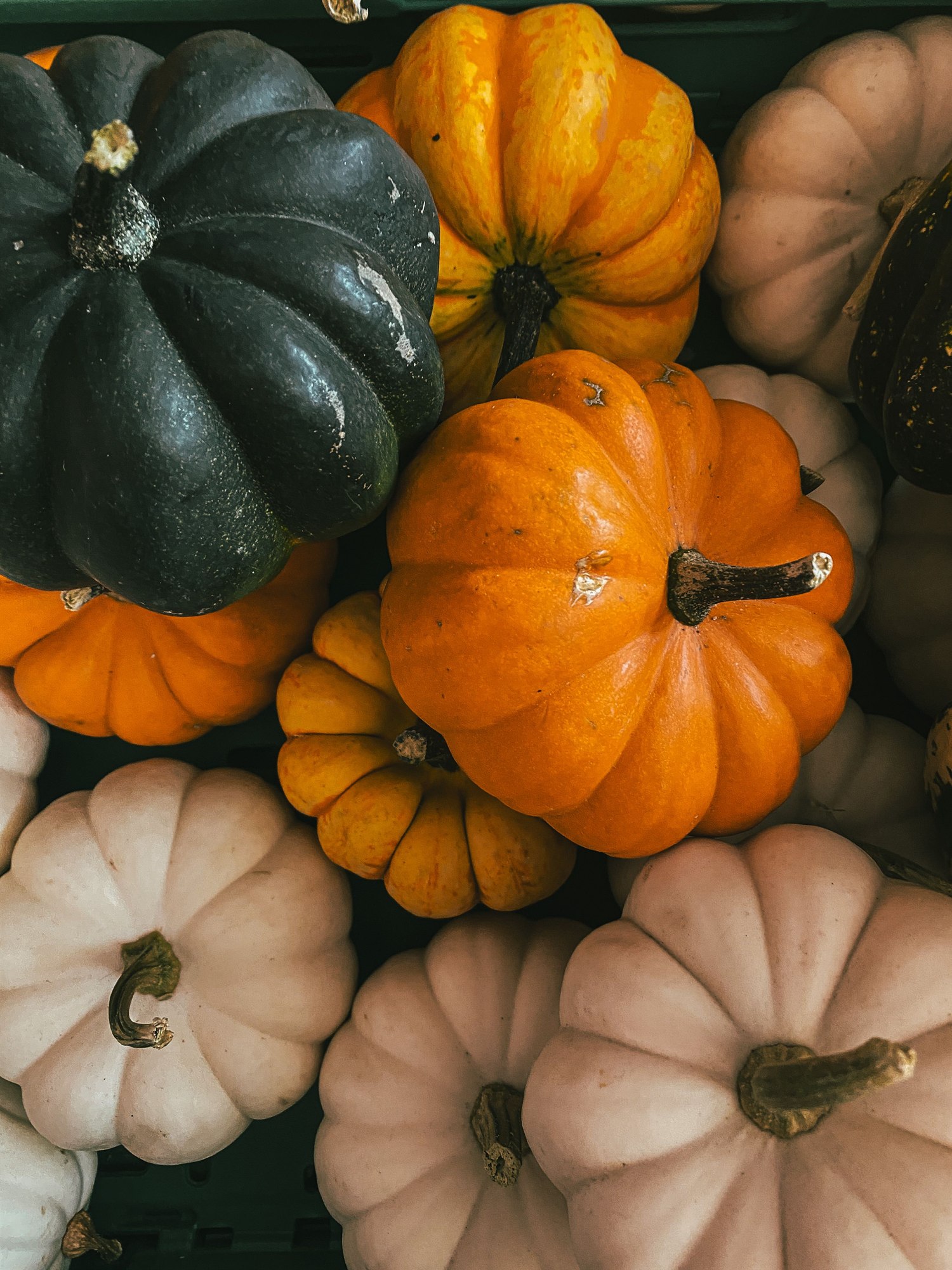
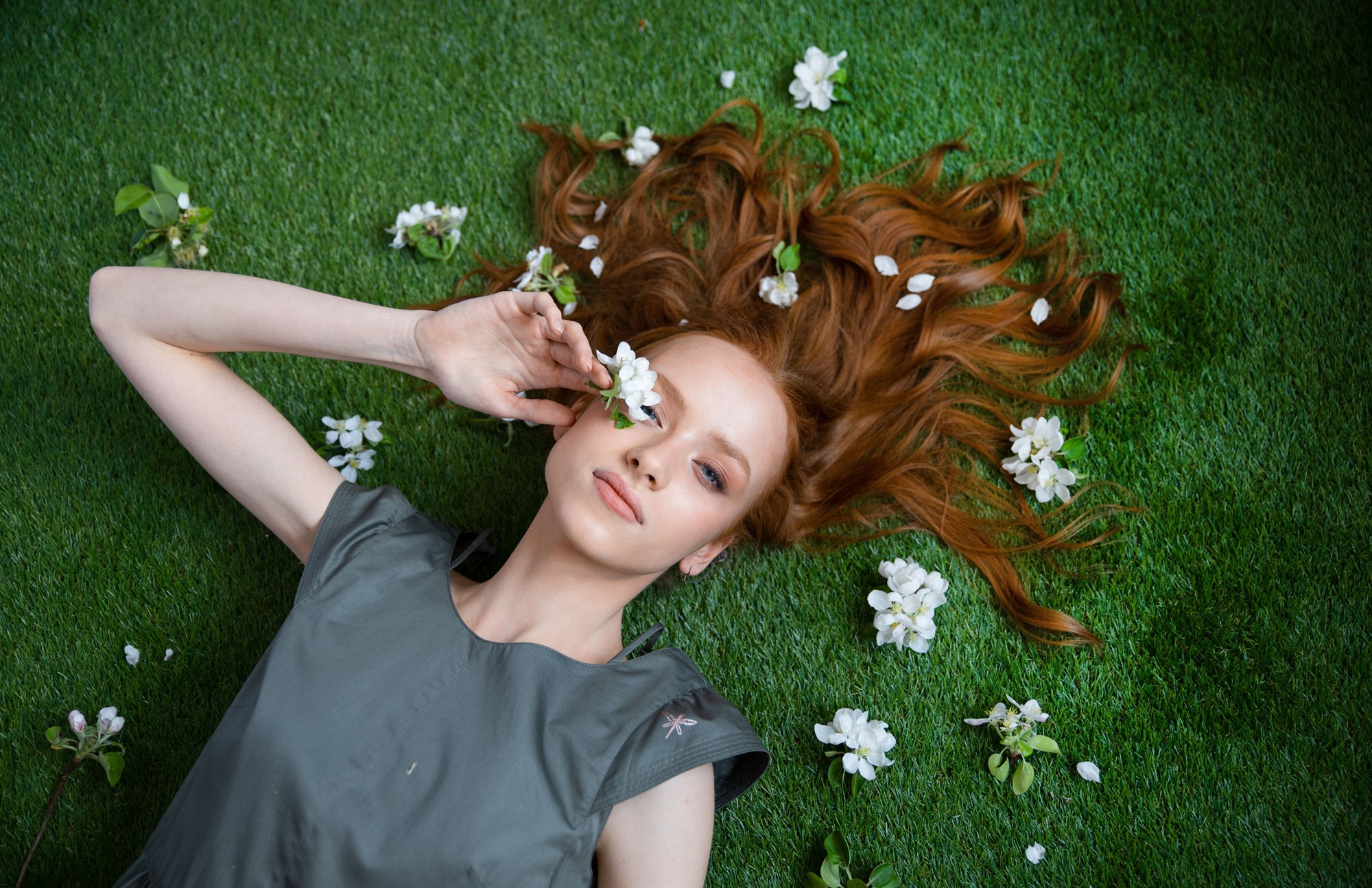
Samples from Pexels (free for commercial use, no attribution required); cats provided by the author. Exported at 2000 px on the long edge, JPEG quality 88.
Windows 10 / 11 (x64). All three contain exactly the same build — pick whichever you prefer.
You can also download the same files from GitHub Releases ↗; source and changelog live in the GitHub repository ↗.
The installer is hosted on GitHub Releases. If the download does not start (slow or blocked network), please tell the author and a China-friendly mirror will be added.
%LOCALAPPDATA%\Programs\XiaoYuXiuTu), choose whether to create desktop / Start-menu shortcuts, and launch the app right away. Uninstall from Settings → Apps, or run uninstall.bat in the install folder.%APPDATA%\小雨修图 and survive upgrades and uninstalls.9AF216F7E71AEB29C6B2AFC71EC86B77C245AF6FD373BAF95318A6B1B04C625D · ZIP 119149C347C7AB63EE72030354ED65E4517E443E7C3D1957D55EBE295942561B · 7z CEC12A26340FB5974B6814C9B97A0F75DACBF58A49A9E7A5CC726FF58C025961小雨修图.exe is ~235 MB); locales were trimmed from 55 to 3 (saving 46.6 MB) and LICENSES.chromium.html is required for distribution.XiaoYu XiuTu is a one-person project: no team, no KPIs. Features are prioritised by the feedback people actually send in.
If something feels awkward, is missing, or looks off — just say so. Describe the scene you were in and it will be much easier to fix; what can be done gets scheduled into the next version.
Send an email
woaixiaoyu050218@gmail.com
"I won't be one of those tools that gets abandoned after release. If something doesn't work for you, write me an email — I read them, and I answer."
— the author
The app is free with no quota at all. Every local feature (editing, color, portrait, batch, format conversion) works offline. Only cloud features such as AI inpaint / AI denoise need your own API key, and those costs go straight to your provider.
No. Apart from cloud AI features you deliberately use (the request goes directly to your configured provider), everything runs on your machine.
Import: JPEG / PNG / WebP / TIFF / HEIC / HEIF / RAW (DNG, CR2, NEF, ARW…) / JPEG XL / PSD (RGB, grayscale, indexed, CMYK). Export: PNG / JPEG / WebP / PSD (multi-layer) / PDF / HEIC / AVIF.
Yes. Projects are .comp files and installing over an old version keeps them. PSD round-trips multi-layer files too (groups, masks, clipping masks, baked adjustment layers and layer effects).
Code-signing certificates cost a yearly fee and this release doesn't have one. On Windows click "More info → Run anyway".
Email woaixiaoyu050218@gmail.com with the operation and scenario. If it can't be done, you'll be told straight away; if it can, it gets scheduled.